

Quick Capture – Vault notes for Obsidian
Send anything to any document in any Vault in Obsidian 10× faster 💨
Quickly capture notes, voice recordings, photos, scanned documents and files directly into any Obsidian vault.
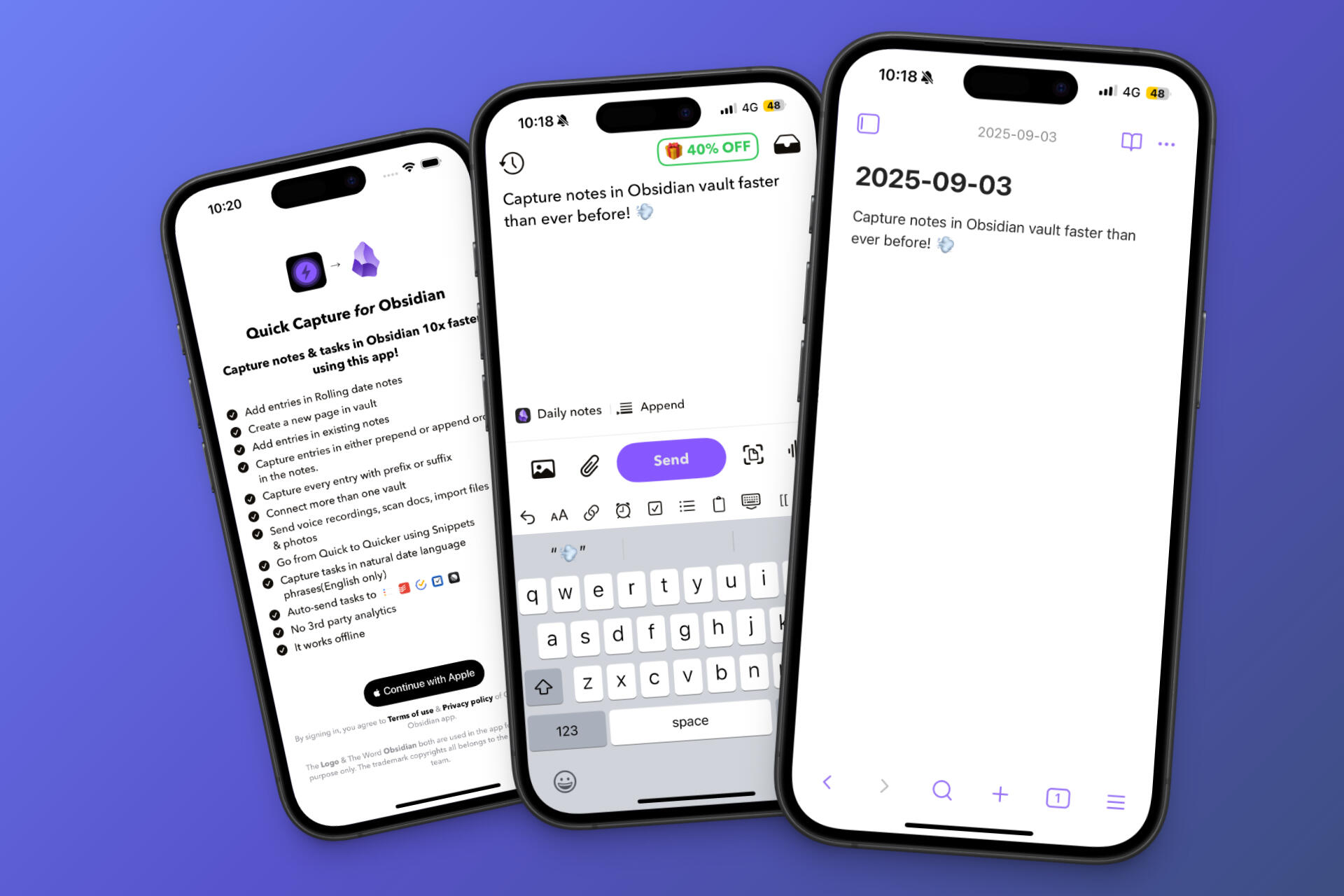


Quick Capture – Vault notes for Obsidian
Quickly capture notes, voice recordings, photos, scanned documents and files directly into any Obsidian vault.
Is this you?
If you've ever lost an idea because opening Obsidian felt like too much friction, you're not alone.
Waiting for Obsidian to open your vault every time you want to capture something.
Quick ideas become long workflows because you need to choose the right note first.
Switching between multiple vaults just to save one thought.
Wondering where to save a note now and telling yourself you'll organize it later.
⚡ Then Quick Capture - Vault notes for Obsidian was built exactly for you.
Capture Anything
Writing ✍️ • Voice recordings 🎙️ • Photos 📸 • Camera 📹 • Files 📄 • Scan documents 🔍
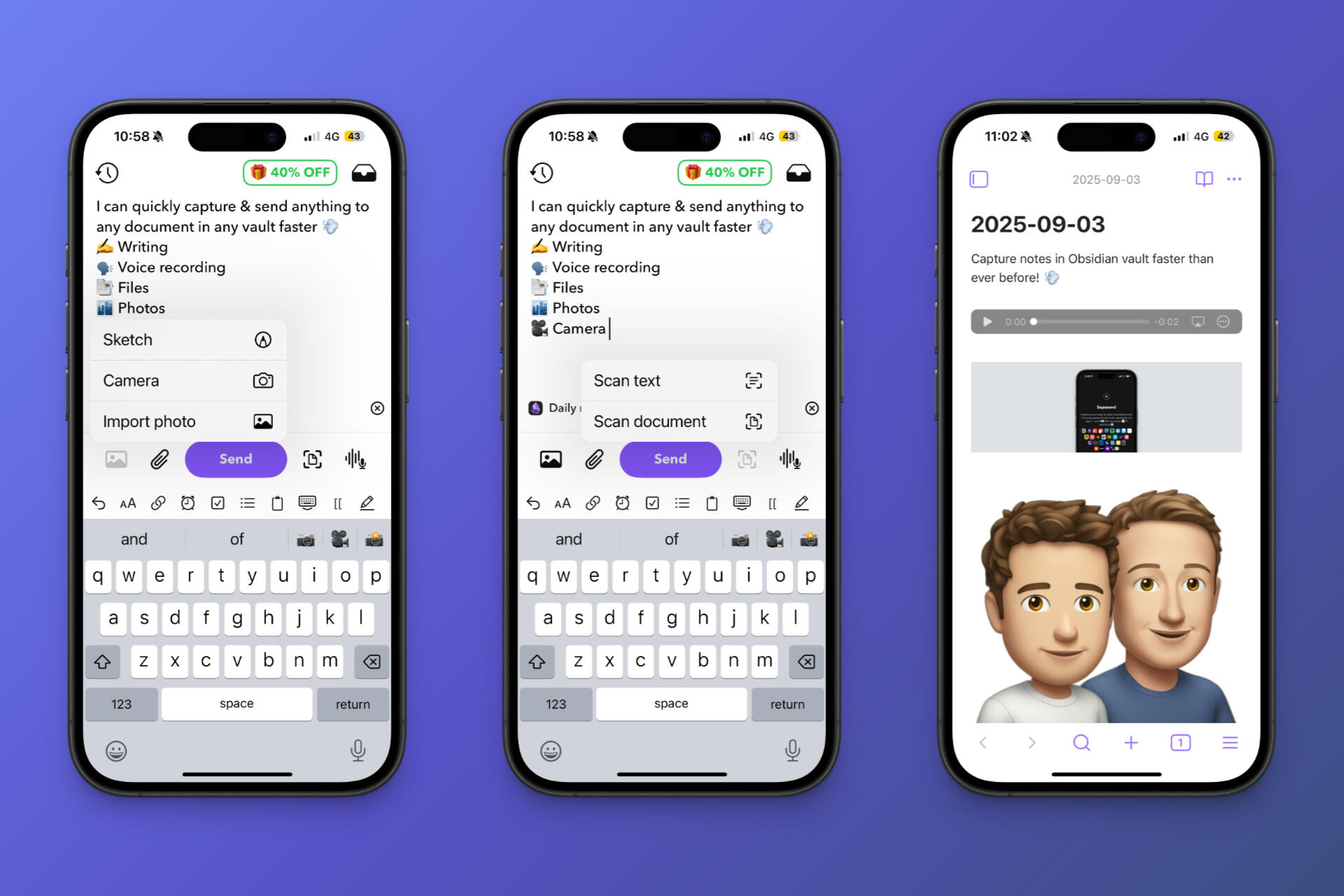
Capture Anywhere
Capture into your Daily Note, an existing note, or automatically create a brand new document.
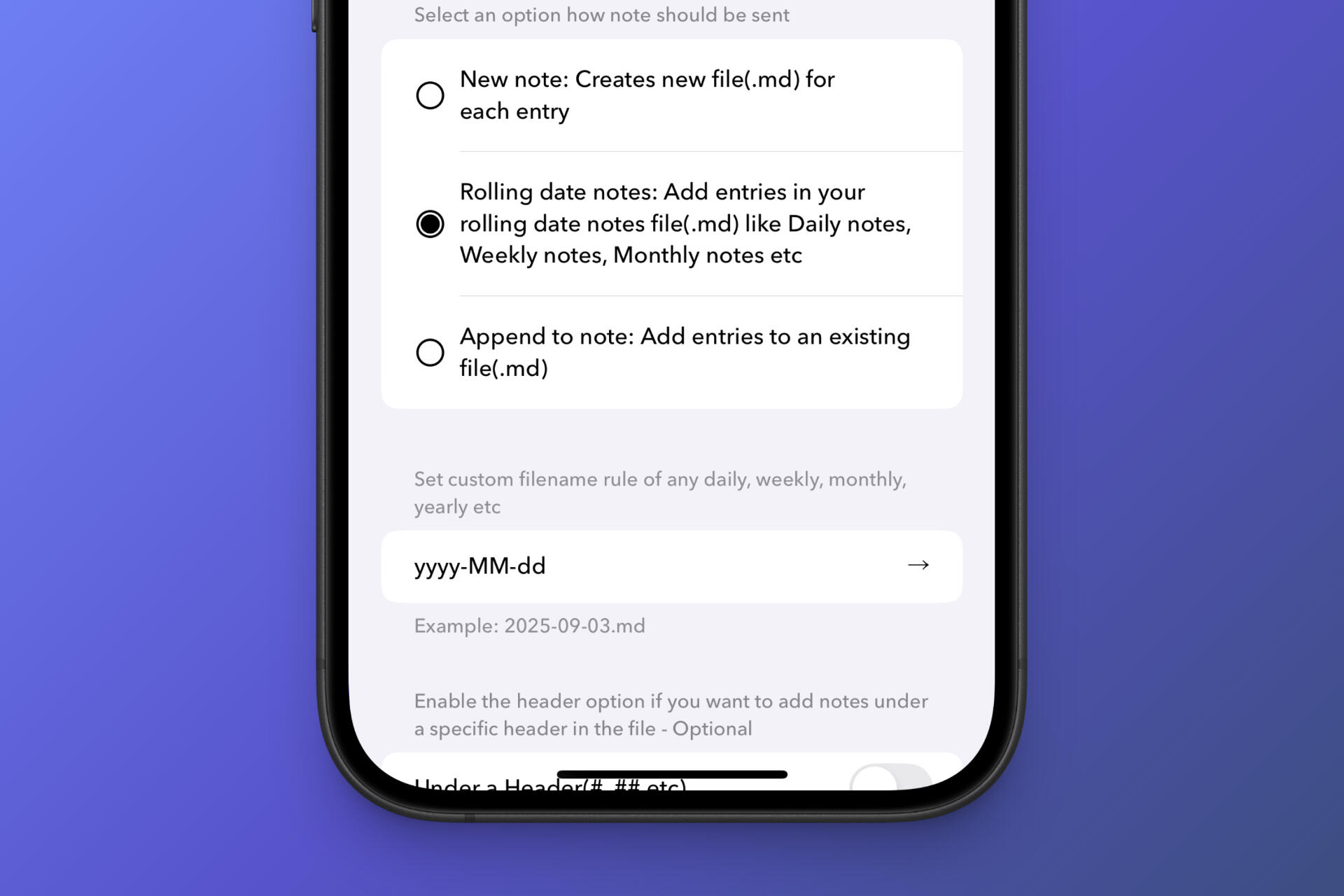
Capture directly into today's daily note without opening Obsidian.
Append new thoughts to any document across any connected vault.
Instantly create a new note inside any folder with one tap.
Precise Capture
Instead of manually finding the right place in your note, Quick Capture inserts new content directly under the heading you choose.
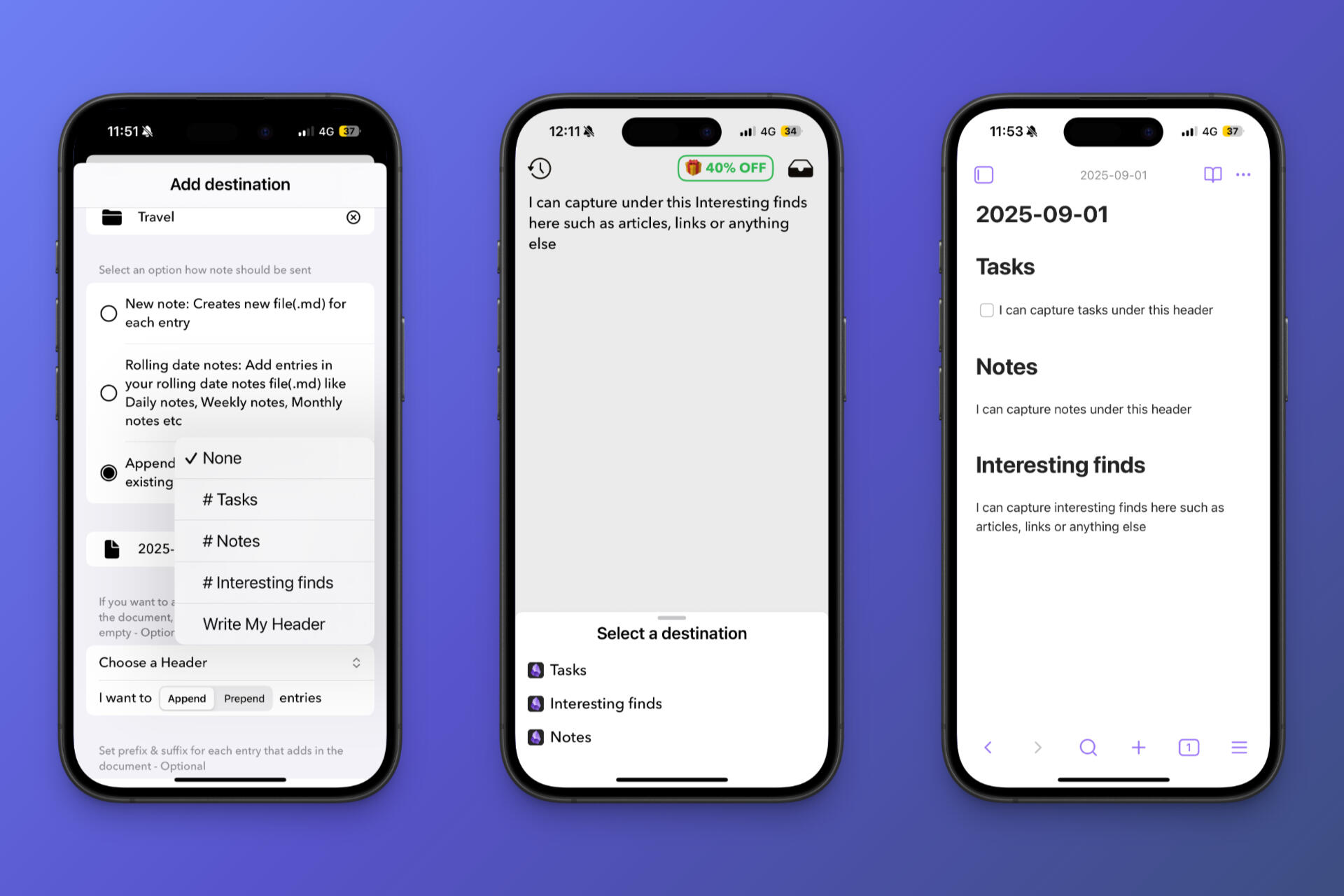
Choose any heading from your note before capturing.
New content is inserted exactly where it belongs.
Capture first. Organize automatically.
Complete Control
Decide whether every capture should appear at the Top or the Bottom of your document. No manual moving. No copy & paste.
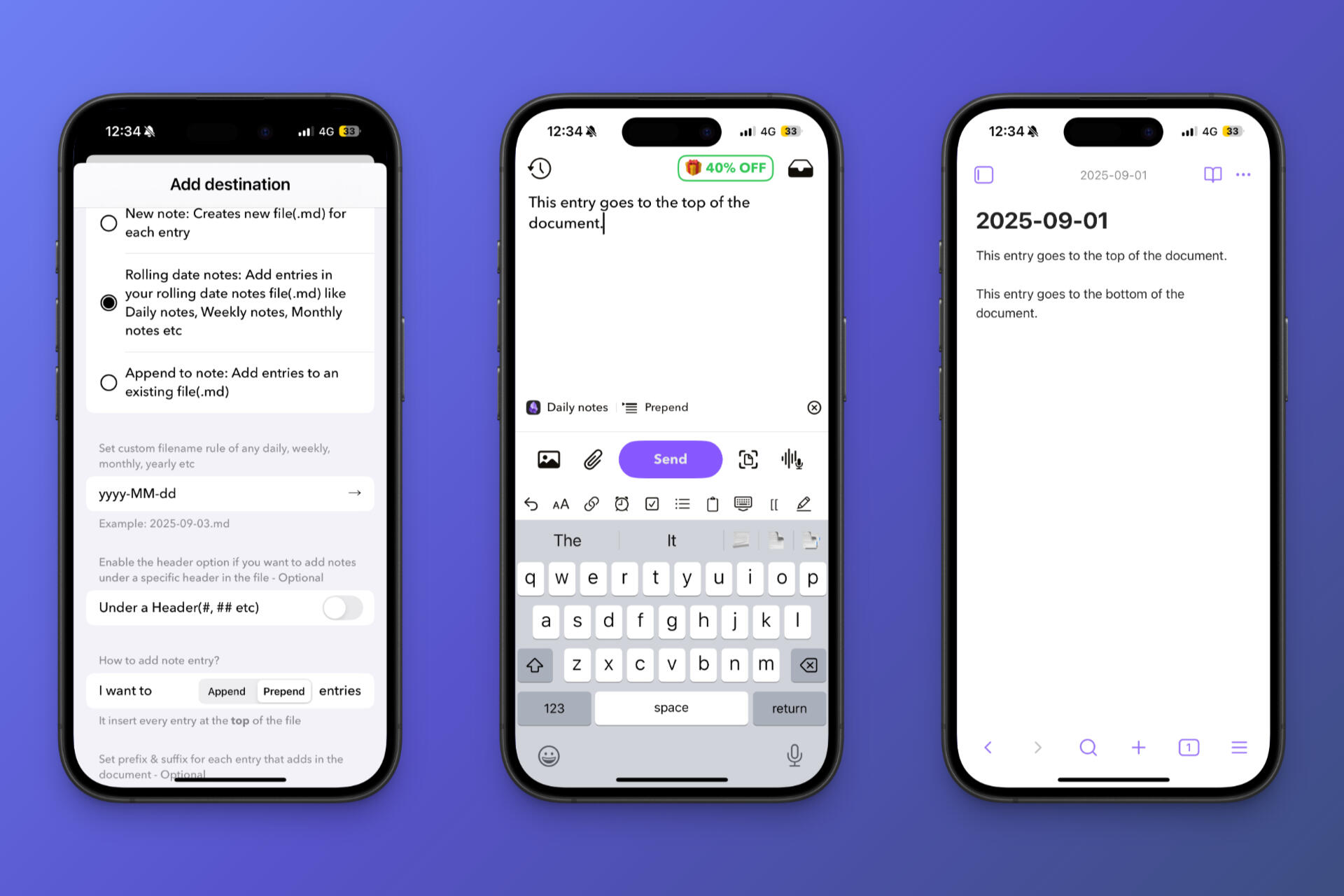
Always place new captures at the top of the document so your latest thoughts are immediately visible.
Keep your notes in chronological order by automatically adding new captures to the bottom of the document.
AI Features
Use your own AI provider to clean up, translate and transcribe your captures before they reach your Obsidian vault.
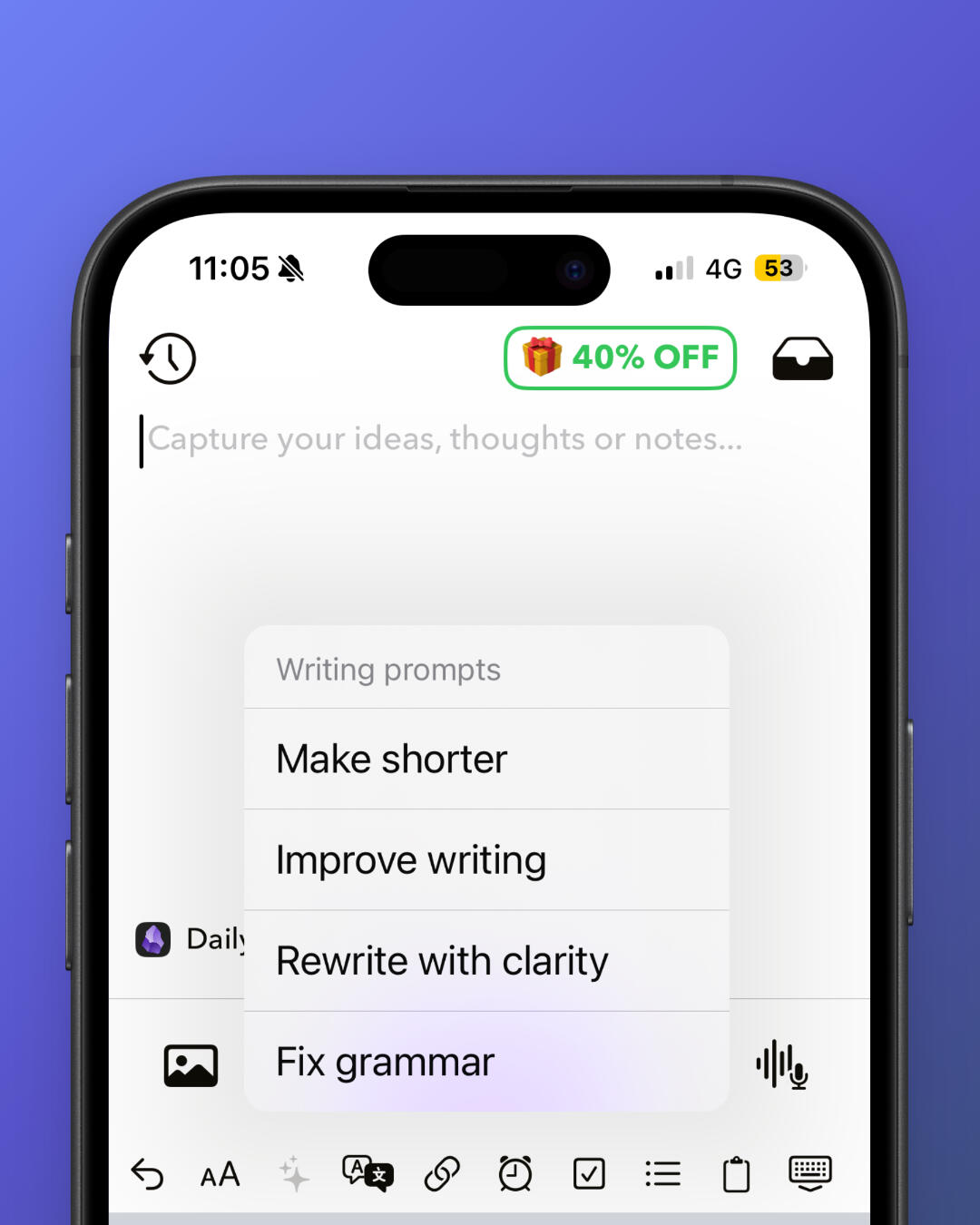
Rewrite rough thoughts into polished notes using your own prompts.
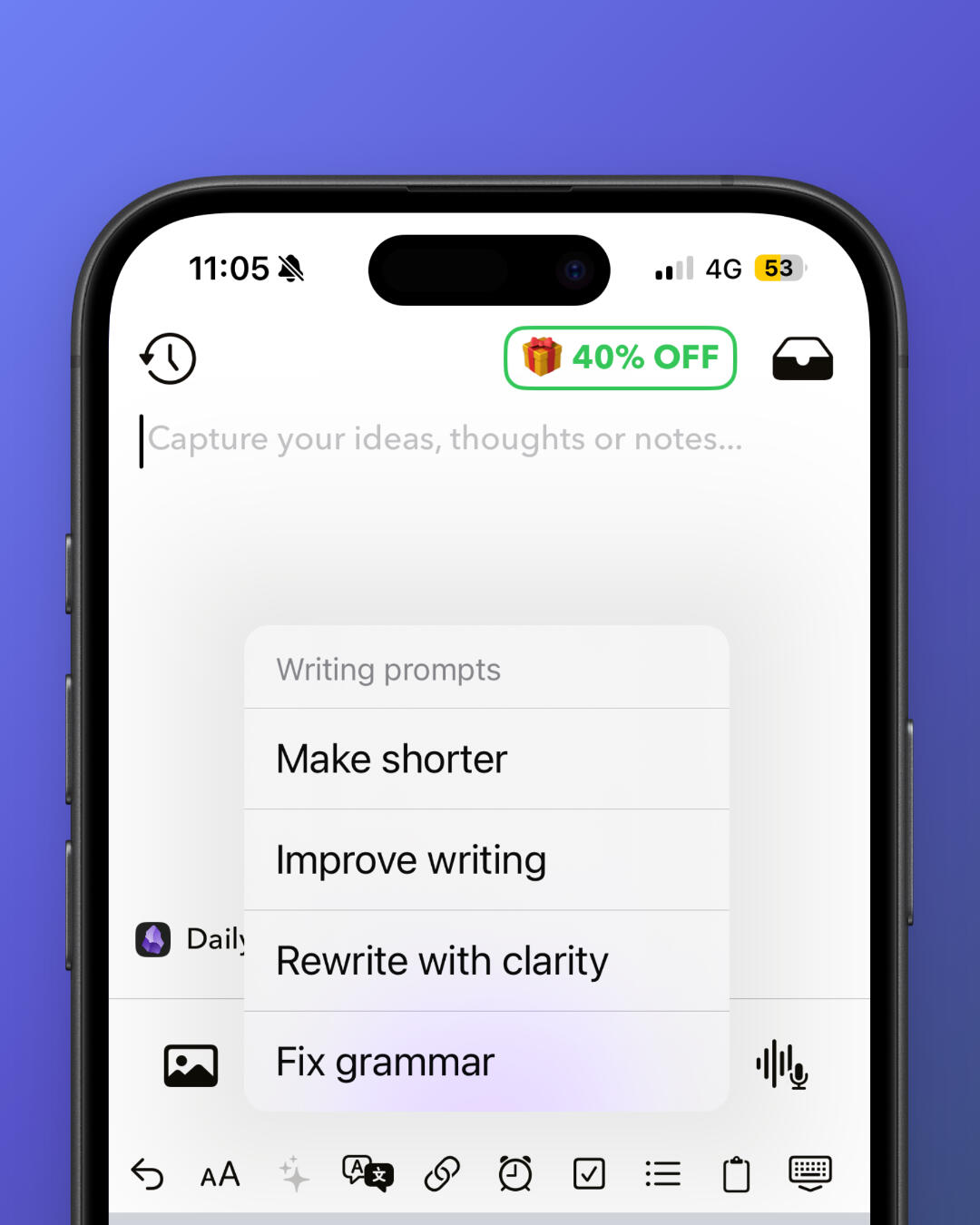
Instantly translate captured notes into multiple languages.
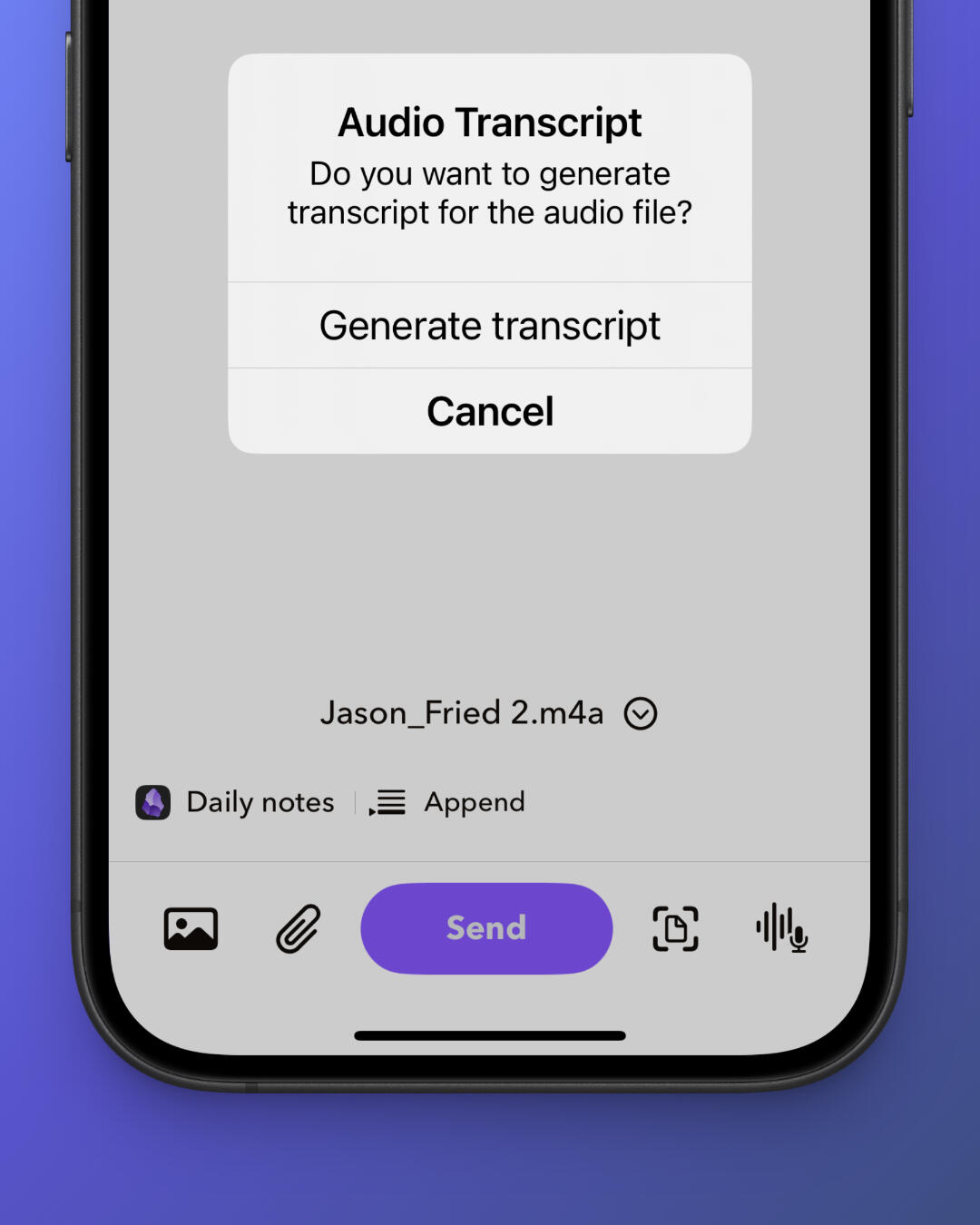
Convert voice recordings into searchable Markdown notes.

Turn phrases like "tomorrow 9am" into properly formatted Obsidian tasks.
Capture From Anywhere
Capture without opening Obsidian using widgets, shortcuts and system integrations built into iPhone.
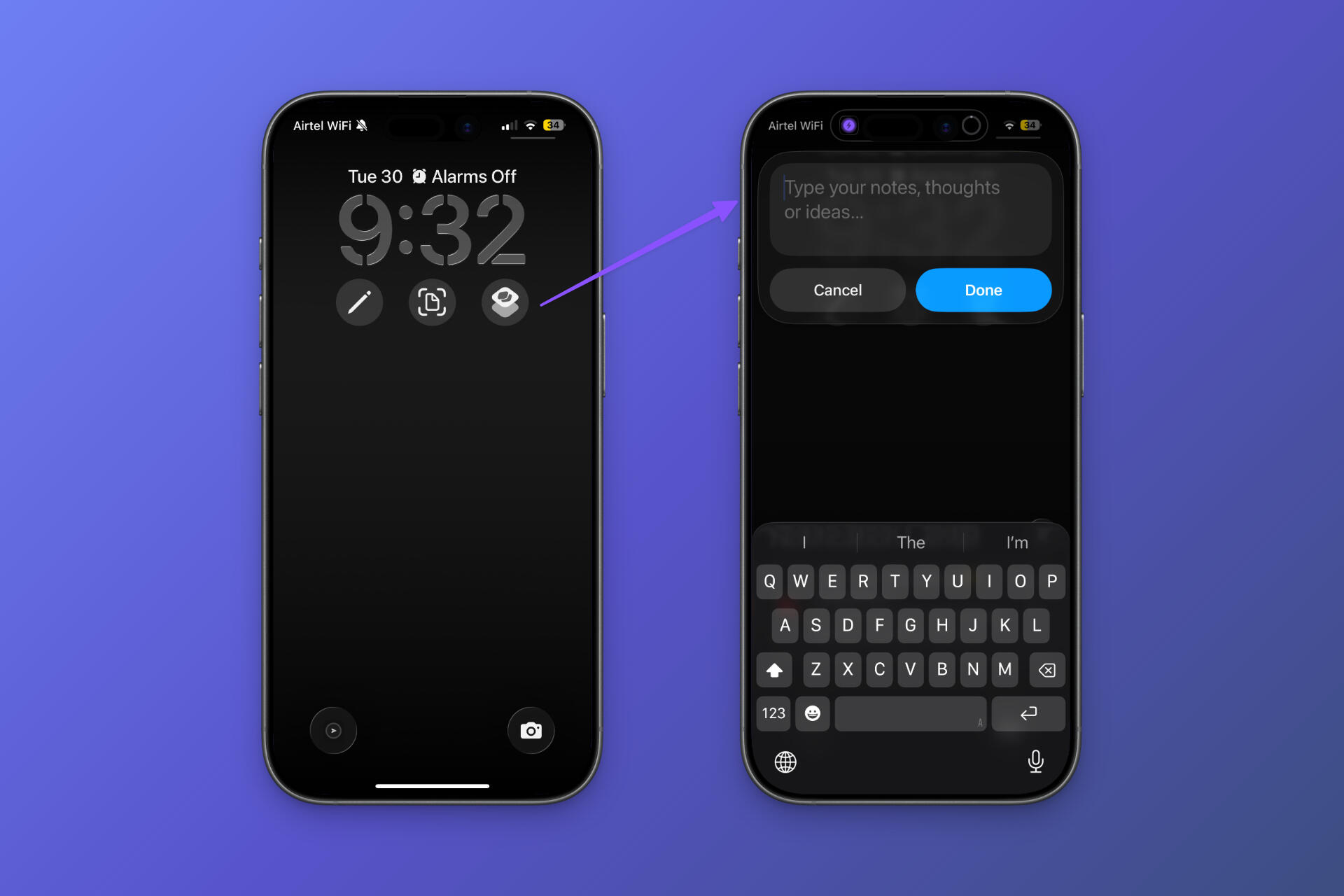
Capture ideas before unlocking your phone.
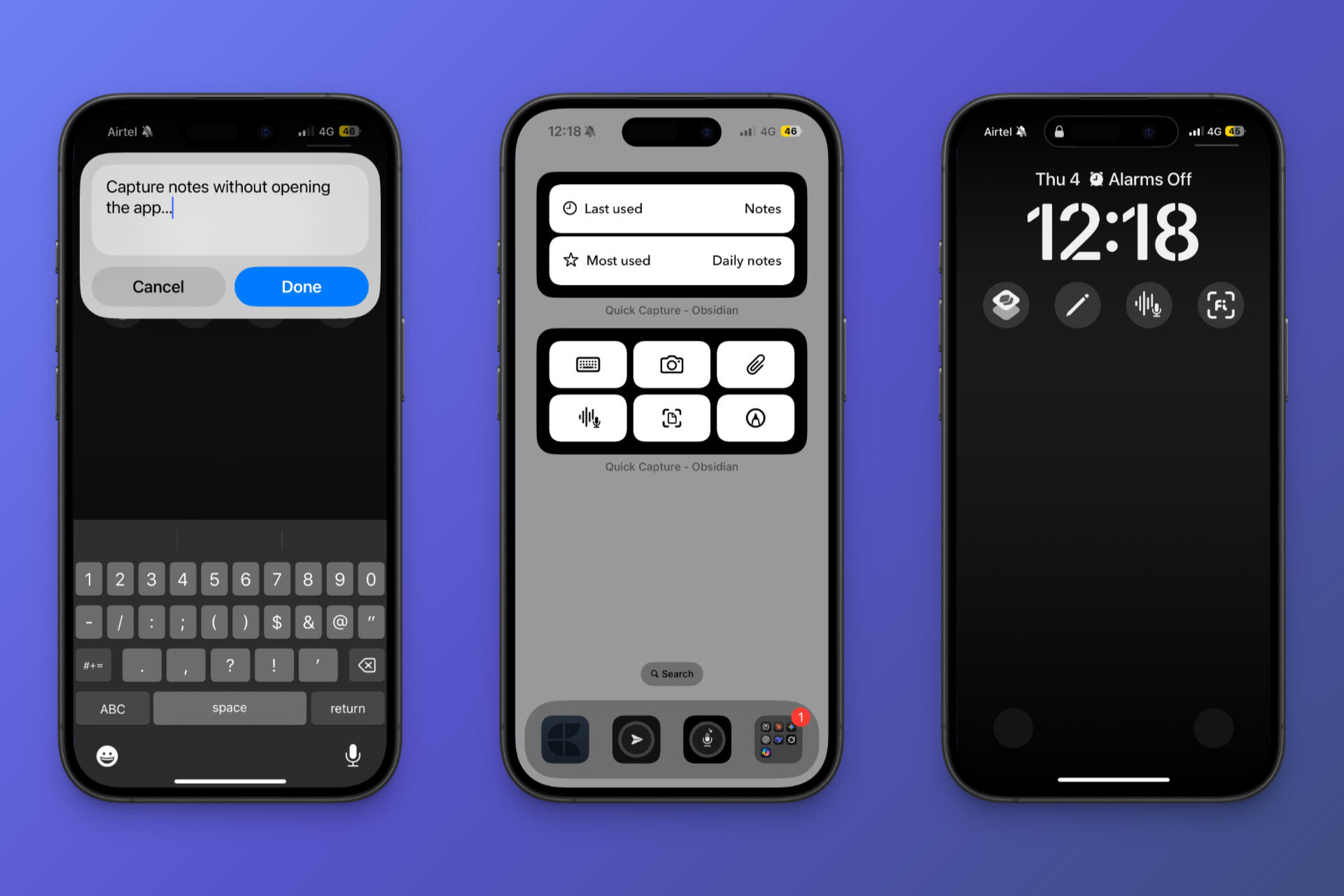
One tap is all it takes to send anything into your vault.
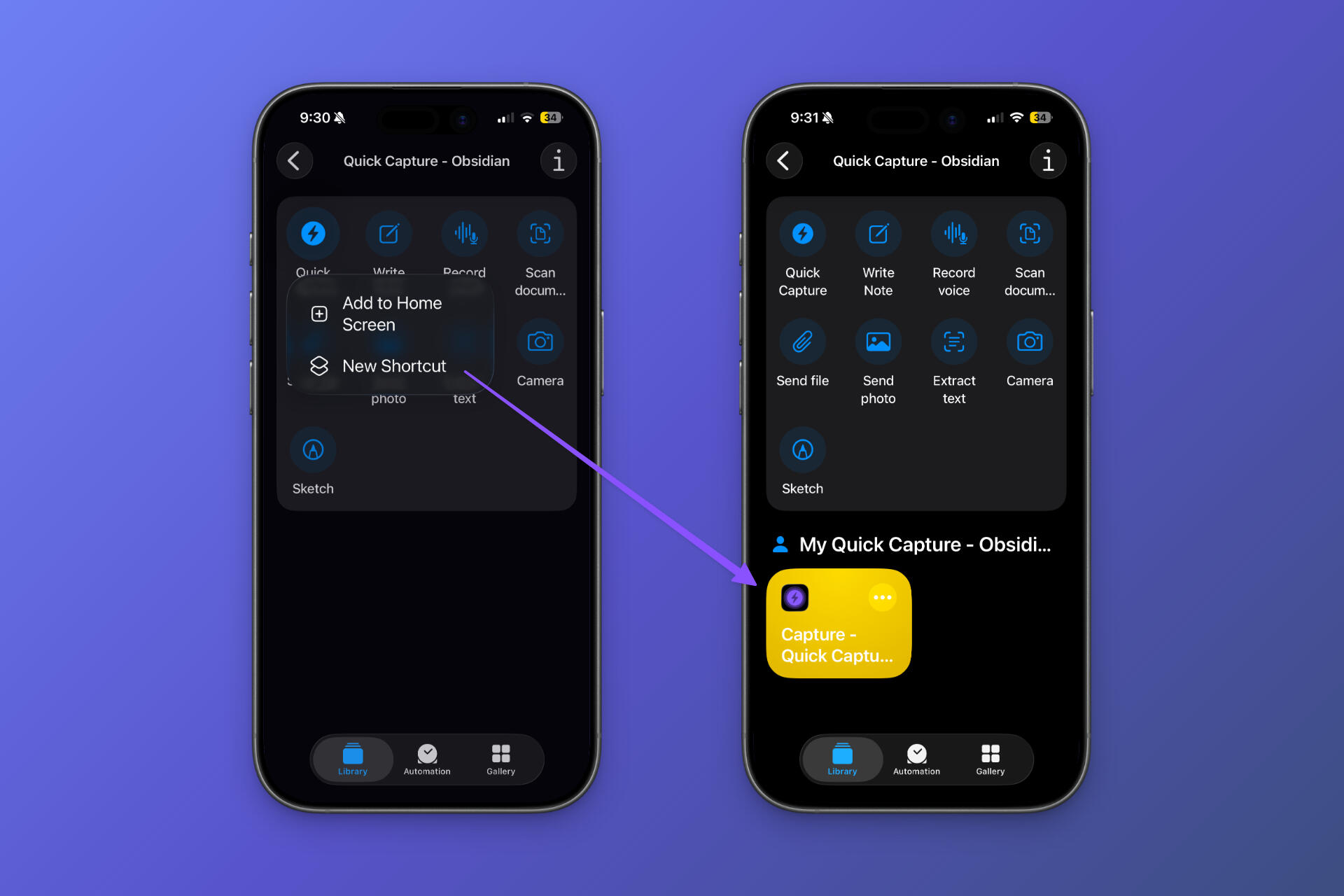
Automate your capture workflow with Shortcuts and Siri.
Launch Quick Capture instantly from your iPhone's Action Button.

Stop waiting for Obsidian to load every time inspiration strikes. Capture text, voice, photos and files instantly into any vault.

Scan with your iPhone to install.
Available for iPhone & iPad